 Tuna
Tuna
Run your software on every Raspberry Pi you own.
Push a release. Every device updates itself, and rolls back by itself if something breaks. Open any device from anywhere, without opening a single port.
First 10 devices free. Then $2 per device per month. No per-user fees.
Three steps from a folder to a fleet
No images to build and no containers to host. A device runs plain processes from your release.
- Add a deviceFlash the standard Raspberry Pi OS Lite, paste one command, and it appears in your fleet within a minute.
- Describe your servicesA small file lists what to run: a web app, a database, a kiosk browser. Dependencies, health checks and data folders included.
- PushRun this inside your project folder. The name is your project on the hub.tuna push kitchen-display --notes "new dashboard"
What you get
Everything a fleet needs, nothing that needs a team to run.
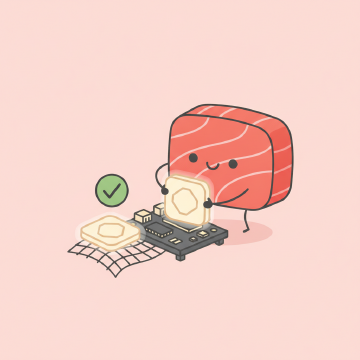
Updates that cannot brick a device
The new release starts next to the old one. If it fails its health check, the device goes back. Cut the power at any moment and it comes back on the old or the new release.

Several services per release
Run postgres, redis, a chromium kiosk, node and python side by side, started in the right order, with data that survives updates.
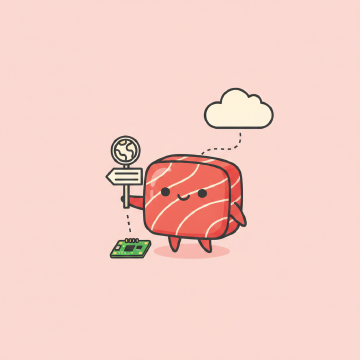
A public address per device
Turn it on and the device's web page is at its own address, even behind a router or a cellular modem. If WebSockets are blocked, it switches to long polling by itself.
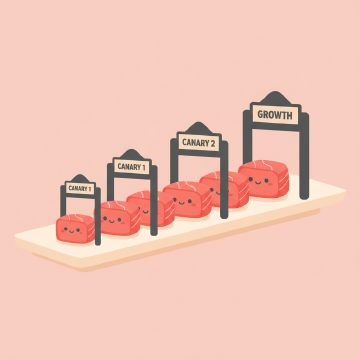
Staged rollouts
Send a release to canaries first, then 5, 25, 50 percent, then everyone. Pin or hold single devices when you need to.
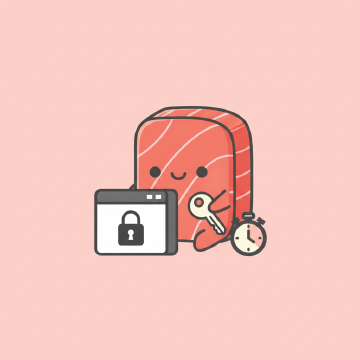
Remote terminal, on your terms
Off by default, per device, with consent every time. Sessions are time limited and recorded.
Built for flaky networks
Devices keep working offline for days, report what they can, and catch up with jittered backoff when the network returns.
Signed from push to device
Releases are signed, and devices verify before they run anything. No clock needed. Sign in with a password, or add passkeys.
Small and quick
An app-only update is a few megabytes. The supervisor updates itself with a download of about 20 KB.
One price, no seats
You pay for devices and nothing else. No per-user fees, no tiers to outgrow.
- First 10 devices are free
- Unlimited users and fleets
- Every feature on every device
- Minimum invoice $10, or pay yearly
Early access: billing is not switched on yet, so everything is free while we build it.
Questions
Which Raspberry Pi models work?
Pi 3B+, 4, 5 and Zero 2 W running a 64-bit Raspberry Pi OS, plus x86-64 Linux machines. 32-bit systems and the original Zero are not supported.
Do I need Docker?
No. Services run as plain processes, which downloads faster, starts faster and leaves more memory for your software. Debian packages such as postgres or chromium are installed once on the device.
What if a device loses its connection?
It keeps running its software, queues its reports and reconnects by itself. Updates already on the device finish or roll back without the hub.
Who can see my devices?
Only people you sign in. The hub never stores what your devices relay through their public addresses.